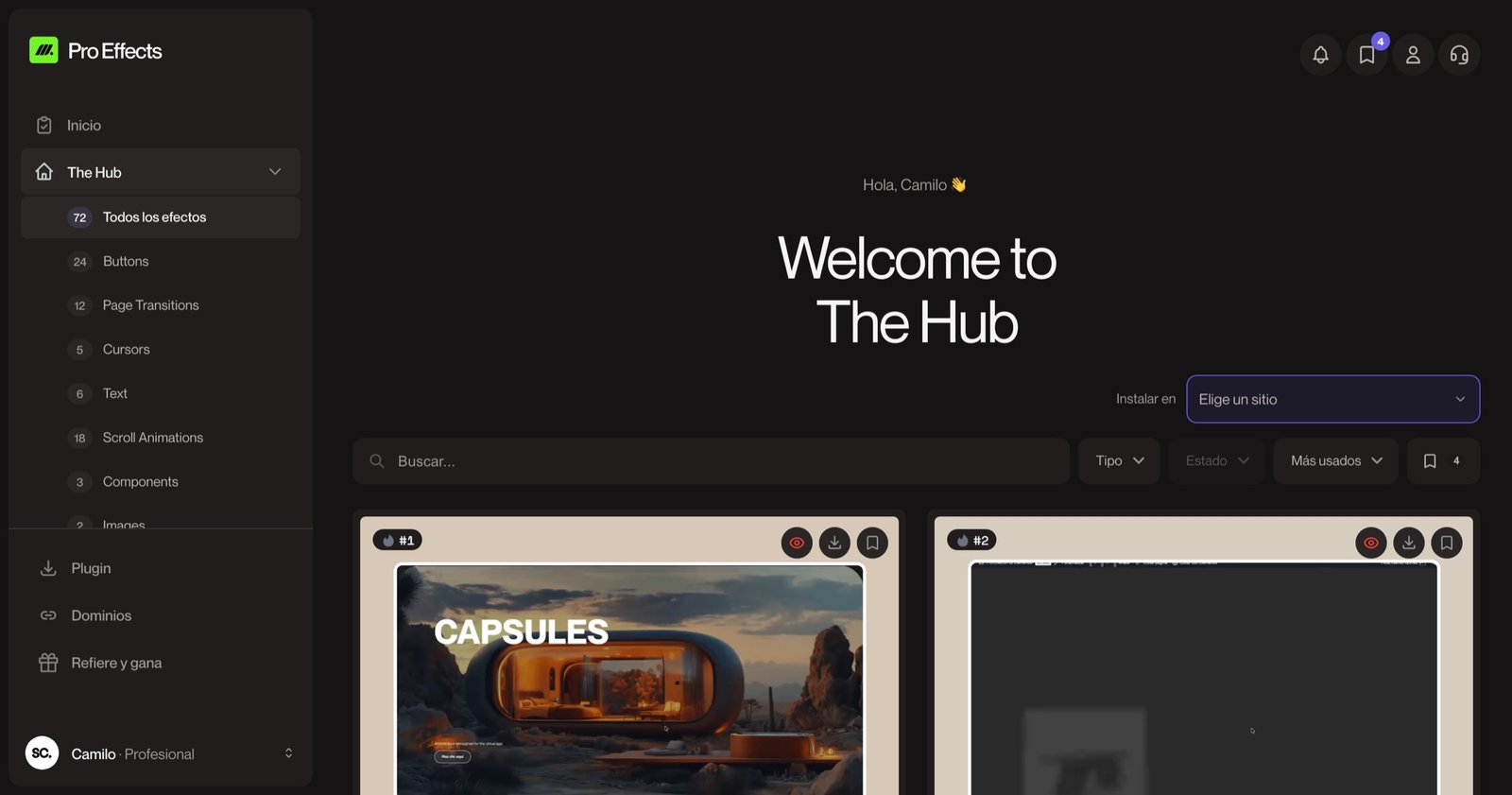

Headlines are the first thing people read — and often the only thing. A good text animation makes the right words land at the right moment: a headline that comes into focus, a key sentence that fills in as you scroll, a word that changes to speak to different audiences. A bad one makes people wait to read.
Here are 10 text animation examples you can see live, what each one is good for, and how to add them to an Elementor site without writing CSS or JavaScript.
What is a text animation?
A text animation is motion applied to text on a web page — letters, words or lines that appear, move, change or react as the visitor loads the page, scrolls or hovers. On websites, the best text animations reveal the message rather than decorate it, and they keep the text readable (and in the HTML) at all times.

Text animations on scroll
1. Blur reveal
The heading goes from blurred to sharp as it enters the screen, like a lens focusing. Elegant and subtle — works for almost any brand. See Blur Text Reveal.
2. Scroll fill
The text starts in a muted color and fills with the real color, character by character, as you scroll. It controls the reading pace of a key sentence.
3. Word-by-word reveal
A fixed phrase stays in place while the last words change as you scroll, with a soft blur between them — great for "We build ___" statements.
4. Letter slide
Each letter slides up from a hidden line into place. Crisp and editorial; common on agency and fashion sites.
5. Block reveal
A solid color block covers each line and slides away to uncover the text. Strong for magazine-style headlines.
6. Zoom through
A word or image scales up as you scroll until it "swallows" the screen and leads into the next section. A dramatic chapter transition.
Text animations that loop
7. Scrolling text marquee
A line of text moves sideways forever — for slogans, service lists or announcements. See Text Loop.
8. Rolling text
Words roll vertically like a slot machine, cycling through options: "for designers", "for agencies", "for founders".
Text animations on hover
9. Glitch
The text splits into color channels and flickers on hover. Bold and techy — use it once. See Glitch Text.
10. Text shine
A metallic gleam sweeps across the text of a button. Perfect for "Get Pro" and premium plans.
How to choose a text animation
| Goal | Good choice |
|---|---|
| Make the hero headline land | Blur reveal, letter slide |
| Control the pace of a key sentence | Scroll fill, word-by-word reveal |
| Talk to several audiences in one line | Rolling text |
| Add energy between sections | Marquee, zoom through |
| Make a CTA feel premium | Text shine |
Rules: animate headings, not paragraphs; keep durations short (under ~1.2 s); never hide text people need to read; and respect the visitor’s reduced-motion setting.
How to add text animations in Elementor
Elementor’s native entrance animations can fade or slide a whole heading, but not animate letters, words or lines. With Pro Effects, text animations are extensions of the native Heading and Text Editor widgets: select your heading, open Advanced → Pro Effects – Texts, pick the effect and set duration and delay. Your typography stays exactly as you styled it.
You can try it free, no credit card required. For more motion ideas, see our website animation examples.
FAQ
How do I animate text on a website with CSS?
Use CSS @keyframes with transform and opacity on the element, or split the text into spans to animate letters one by one. For scroll-based text effects you’ll need JavaScript (for example with GSAP ScrollTrigger). In Elementor, plugins let you apply these effects without code.
Do text animations affect SEO?
Not if the text is real HTML and visible to search engines from the start. Avoid putting headlines inside images or videos, and make sure the animation doesn’t hide the text until JavaScript runs.
What is the best free text animation generator?
For videos and social media, tools like Canva or Adobe Express have text animation presets. For websites you want animations that run on the live text of the page, so they stay editable, searchable and light — that’s what Elementor text effects do.
How many text animations should a page have?
Usually one standout effect in the hero and one or two on key section titles. If every heading animates, nothing stands out and the page feels slow.
The right words, at the right moment. Add text animations to your Elementor headings with Pro Effects — no code.