
Images are what people look at first, and hover effects are how you tell them an image is clickable — or give them something extra when they explore. A subtle zoom, text that appears over a photo, an image that follows the cursor through a list of projects: small details that make a portfolio or product grid feel crafted.
Here are 9 image hover effects, what each one is good for, and how to add them to an Elementor site.
What is an image hover effect?
An image hover effect is an animation that plays when the mouse moves over an image: it zooms, changes color, reveals text, flips, or triggers another image to appear. It signals interactivity and adds depth to galleries, portfolios and product grids. On touch screens there’s no hover, so the effect should never hide essential information.

Classic image hover effects
1. Gentle zoom
The image scales up slightly inside its frame. The safest effect for product grids and blog cards — it says "clickable" without distracting.
2. Text overlay on hover
A dark overlay fades in with a title and a short line of text over the image. The most searched version ("image hover text") — great for portfolios and category tiles.
3. Grayscale to color
Images start in grayscale and reveal their color on hover. Works well for logo walls and team photos.
4. Flip card
The image flips to show text or a call to action on the back. Good for services and team members; keep the back side short.
Image hover effects that involve the cursor
5. Image that follows the cursor
Hover a line of text — a project name, a service — and a related image appears and follows the cursor with a smooth lag. A signature pattern of editorial portfolios, and a great way to show images without a grid.
6. Image trail
Moving the mouse over a section leaves a trail of images that fade away. Playful and memorable for photographers and studios. See Image Trail.
7. Magnetic image
The image drifts slightly toward the cursor, creating a tactile, premium feel. Pairs well with a custom cursor.
Layout effects on hover
8. Expanding image cards
A row of images where the hovered one expands to reveal its content while the others shrink. See Expanding Cards.
9. Before/after slider
Drag or hover to compare two versions of an image — perfect for renovations, retouching and design makeovers.

Which image hover effect should you use?
| Use case | Good choice |
|---|---|
| Product or blog grid | Gentle zoom |
| Portfolio or category tiles | Text overlay |
| Logo wall, team | Grayscale to color |
| Project list (text first) | Image that follows the cursor |
| Creative studio hero | Image trail |
| Feature or service row | Expanding cards |
Rules: keep transitions around 200–400 ms, never hide the only way to reach content behind a hover, and make sure images still make sense on phones, where there’s no hover.
How to add image hover effects in Elementor
- Native options: Elementor’s Image widget has hover animations (grow, shrink, float…) and hover CSS filters; Elementor Pro adds Flip Box and Call to Action widgets with hover effects.
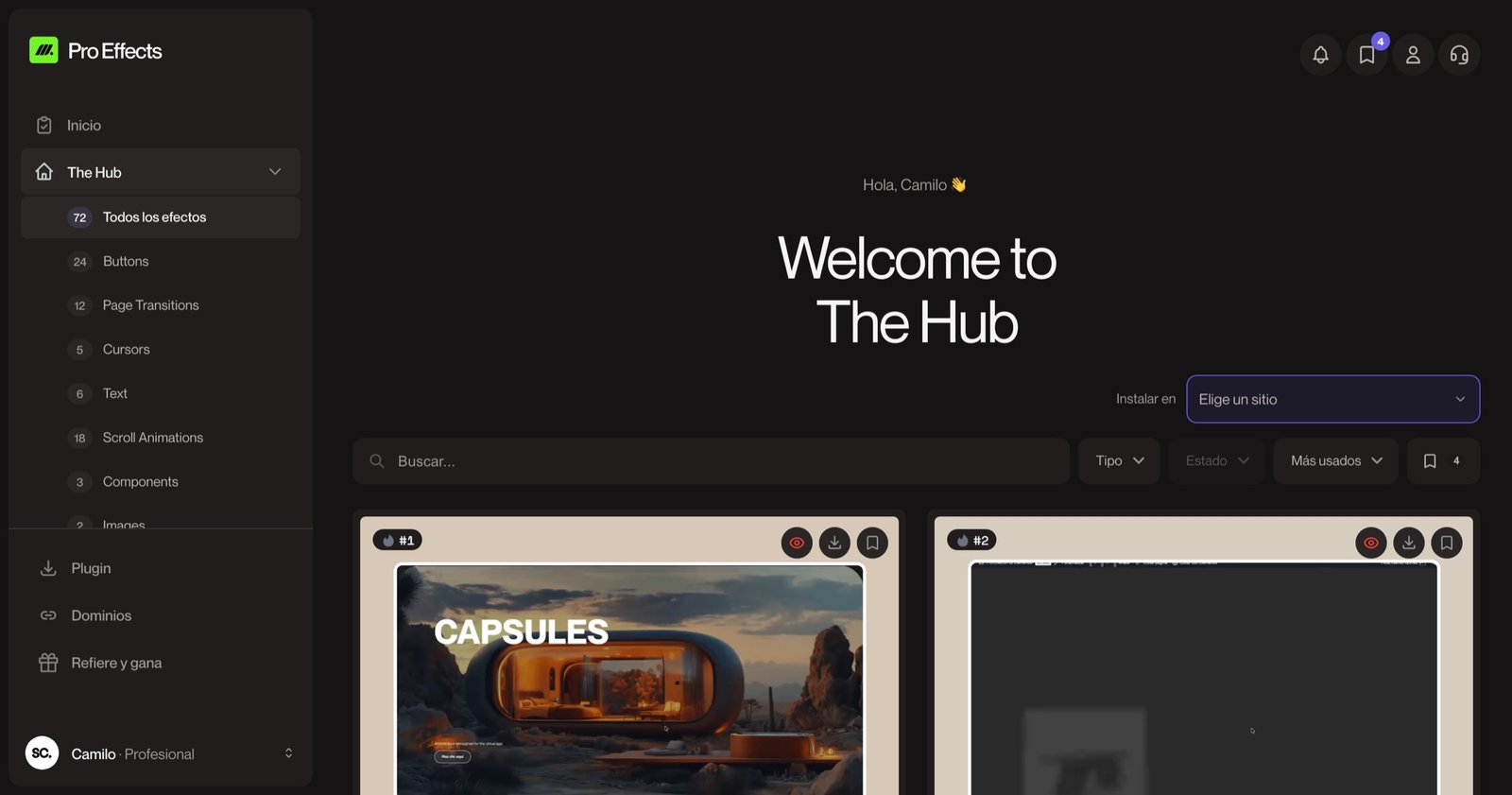
- Advanced effects: images that follow the cursor, image trails and expanding cards come as ready-made effects with Pro Effects — add them from the Elementor panel and adjust a few settings. You can try it free, no credit card required.
For more motion ideas, see our website animation examples.
FAQ
How do I add text over an image on hover with CSS?
Wrap the image and the text in a container with position: relative, place the text in an absolutely positioned layer with opacity: 0, and change it to opacity: 1 on :hover with a transition. In Elementor, the Call to Action widget (Pro) or a container with a hover background does this without code.
Do image hover effects work on mobile?
Phones don’t have hover, so the effect appears on tap or not at all. Always make sure the image, its text and its link are usable without the hover state.
Do hover effects slow down a page?
CSS-based hover effects are extremely light. Effects that follow the cursor use a small script; choose implementations that load only on pages where they’re used.
What is the best hover effect for a portfolio?
For a grid, a gentle zoom with a text overlay. For a list of project names, an image that follows the cursor. Both show the work without cluttering the layout.
Give people a reason to explore your images. Add premium image hover effects to Elementor with Pro Effects — no code.