
Click a link on most websites and the screen goes blank for a moment, then the next page snaps in. Page transitions replace that blink with a deliberate motion — a curtain, a wipe, a circle opening — so the whole site feels like one continuous experience instead of a series of separate pages.
Here are 10 page transition examples, how each one moves, the mood it creates, and the rules that keep transitions from slowing your site down.
What is a page transition?
A page transition is an animation that plays when a visitor navigates from one page to another: an element covers the current page as it leaves, and reveals the new page as it loads. It hides the loading gap, reinforces the brand’s style, and makes navigation feel smooth. A good transition is short — usually well under a second.

1. Fade
The page fades out and the new one fades in. The most neutral transition: it works on any brand and never feels out of place.
2. Curtain
A solid panel comes down from one side, covers the page, and on the new page retracts to the same side — the theater-curtain gesture.
3. Slide
A panel enters from one edge, sweeps the screen, and keeps going in the same direction on the new page. Continuous and directional; feels like moving forward.
4. Diagonal wipe
A solid band sweeps across the screen at 45°, a clean editorial cut between pages.
5. Iris
A circle opens from a single point and expands to fill the screen — the classic cinematic "iris out." Playful and memorable.
6. Column wipe
Vertical columns come in alternately from top and bottom and meet in the middle. Rhythmic and architectural.
7. Shutter
Horizontal slats close like a venetian blind, cascading from top to bottom, then open on the new page.
8. Pixel reveal
A grid of squares walks across the screen in a wave. A good match for tech, gaming and digital brands.
9. Split
Two halves slide in from opposite sides, meet in the center, and part again on the new page. Symmetric and bold.
10. Morph shape
An organic blob grows from a corner until it covers the screen, then shrinks back on the new page. Soft and fluid.
Which page transition fits your site?
| Mood | Good choices |
|---|---|
| Neutral, any brand | Fade |
| Editorial, elegant | Curtain, diagonal wipe, column wipe |
| Forward momentum | Slide |
| Playful, memorable | Iris, morph shape |
| Tech, digital | Pixel reveal, shutter |
| Bold, graphic | Split |
Rules for page transitions that don’t hurt the site
- Keep it short. Around half a second to 0.7 s feels intentional; longer feels like waiting.
- Use one transition site-wide. Consistency is what makes it feel like a single experience.
- Match brand colors. The covering panel should use a brand color, not a random one.
- Skip it where speed matters most. Checkout and cart pages are better without transitions.
- Respect reduced motion. Visitors who ask for less motion should get a simple, instant navigation.
- Don’t break the back button. A good implementation works with normal browser navigation.
How to add page transitions to WordPress without code
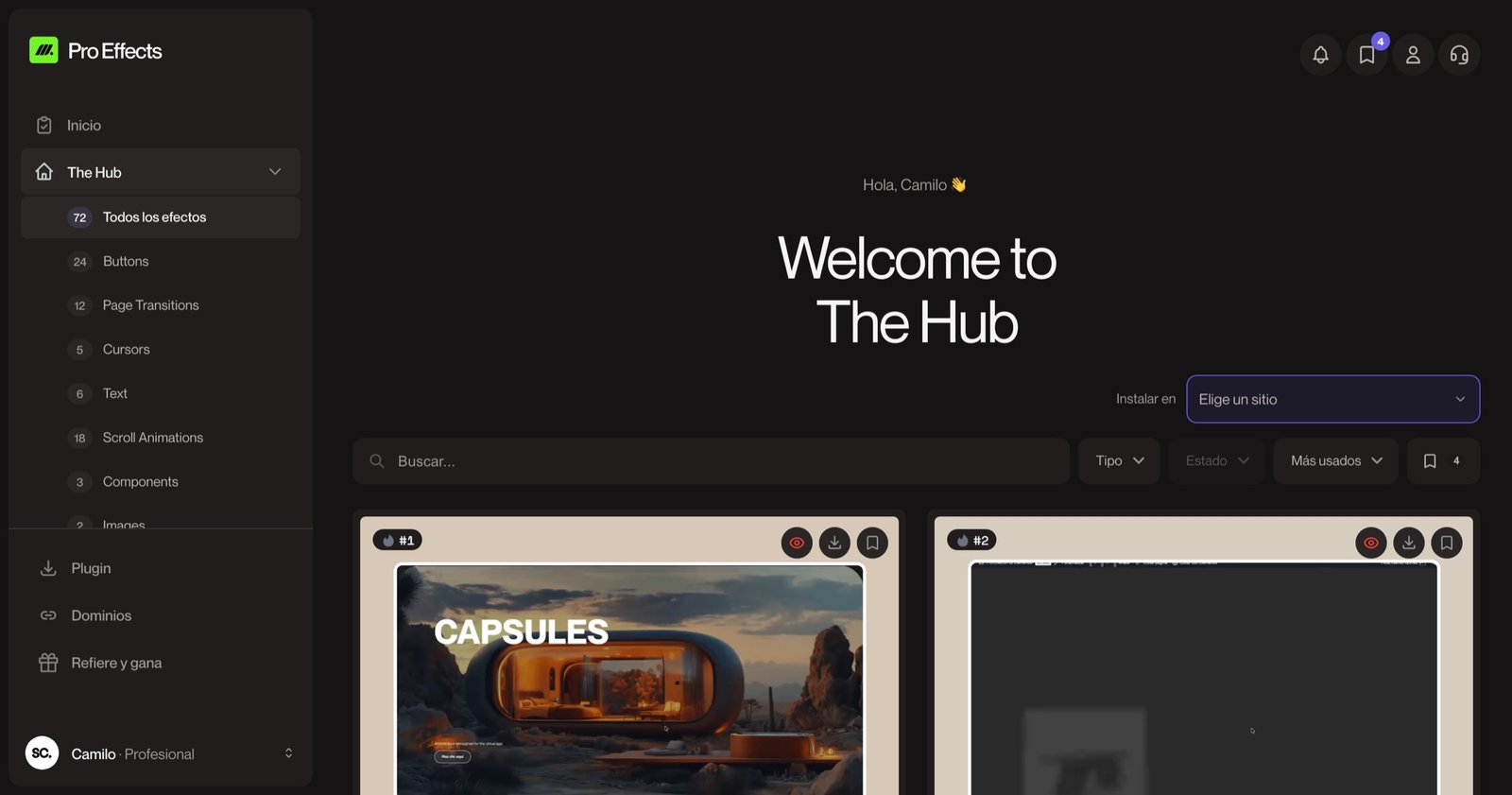
With Pro Effects, page transitions are site-wide: go to Pro Effects → Page Transitions, pick one, set its color, direction and easing, and adjust the global duration (0.6 s is a good start). It applies to internal links across the site — no code and nothing to add page by page. Each transition has a live demo in the effects gallery.
You can try it free, no credit card required. For more effects, see our website animation examples.
FAQ
Do page transitions slow down a website?
A well-built transition doesn’t add loading time: it plays while the next page loads and hides the gap. Problems come from long transitions (over a second) or heavy scripts. Keep the duration short and check your pages with PageSpeed Insights.
Are page transitions bad for SEO?
No, as long as navigation uses normal links that search engines can follow and pages load normally without the effect. Search engines don’t see the transition; they see the pages.
What is the difference between a page transition and a preloader?
A preloader is a loading screen shown while the first page loads. A page transition plays when moving from one page to another. Many sites use a short transition and no preloader at all, which feels faster.
Can I use page transitions with Elementor?
Yes. Elementor Pro includes a page transitions setting in Site Settings with basic entrance animations and preloaders. For more styles — curtain, iris, pixel, shutter, morph and others — plugins such as Pro Effects add them: you enable one site-wide from the plugin settings and it works with any Elementor page.
The moment between two pages is part of your brand, too. Add a page transition to your WordPress site with Pro Effects — one setting, no code.