
A custom cursor is one of the fastest ways to make a website feel designed rather than assembled. It’s also one of the easiest ways to annoy visitors if it lags, hides where they’re clicking, or turns every page into a toy. The difference is in a few details.
Below are 5 custom cursor styles, what makes each one work, when to use it, and the usability rules that keep them from getting in the way — plus how to add one to a WordPress site without code.
What is a custom cursor effect?
A custom cursor effect replaces or accompanies the default mouse pointer with your own animated design — usually a small dot that tracks the pointer exactly and a larger shape that follows with a slight delay and reacts to links and buttons. It’s a desktop-only effect: on touch screens there’s no cursor, so the site falls back to normal behavior.

1. Dot + ring (the classic)
A solid dot marks the exact pointer position while a ring trails it with a smooth lag and grows over interactive elements. Sober and light — the style you see on many agency sites. The best starting point if you’ve never used a custom cursor.
2. Follower with squash and stretch
An outline circle follows the pointer and deforms with speed: it stretches in the direction of movement and becomes a perfect circle again when it stops, using a classic animation principle. Over links it fills with color. It wins on motion quality rather than on a visual trick.
Settings and details: Follower custom cursor.
3. Magnetic snap
Near a button or card, the element itself moves toward the cursor, the ring snaps to its center and wraps its real shape, then everything springs back when you leave. It’s the most premium-feeling interaction — and it pairs naturally with magnetic buttons.
4. Gooey blob
Two liquid blobs merge into a "gooey" bridge when you move fast and fuse back into one at rest, powered by an SVG metaball filter. Hard to build well by hand and rare in no-code tools — great for playful brands and creative studios.
5. Invert blend
A white ring with a blend mode that inverts whatever is underneath — white over black, vivid over saturated color. The most "wow" option for portfolios with strong imagery.
Which custom cursor should you choose?
| Style | Feels | Best for |
|---|---|---|
| Dot + ring | Clean, professional | Agencies, SaaS, first custom cursor |
| Follower | Fluid, alive | Portfolios, brand sites |
| Magnetic | Premium, tactile | Landing pages with strong CTAs |
| Gooey blob | Playful | Creative studios, playful brands |
| Invert blend | Bold | Image-heavy portfolios |
Usability rules for custom cursors
- Keep a precise hotspot. Whatever trails behind, a dot must track the pointer 1:1 so people never lose where they’re clicking.
- Grow over interactive elements. The cursor should tell visitors what’s clickable.
- Don’t slow it down too much. A heavy lag feels broken, not smooth.
- Respect reduced motion. Turn off lag and deformation for visitors who ask for less motion.
- Skip touch devices. Phones and tablets should keep their normal behavior.
- One cursor per site. Mixing styles across pages feels inconsistent.
How to add a custom cursor to WordPress without code
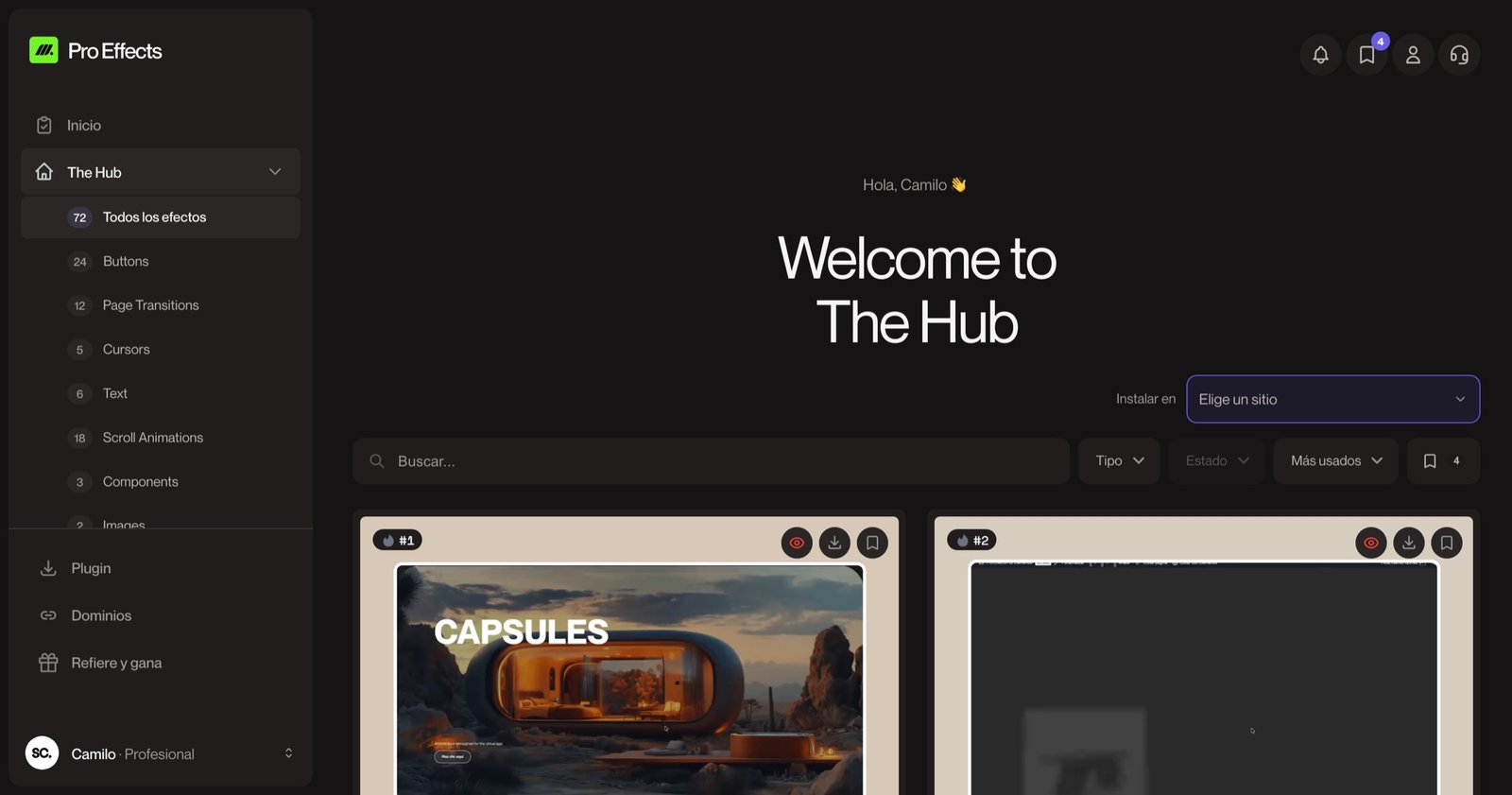
With Pro Effects, custom cursors are site-wide: go to Pro Effects → Cursors, turn one on, adjust size, smoothing and color, and save. It applies to the whole site on desktop — no widget to place on each page. Every cursor follows the rules above: precise hotspot, growth over links, reduced-motion support, and no activation on touch screens.
You can try it free, no credit card required. For more effect ideas, see our website animation examples.
FAQ
Do custom cursors hurt usability?
They can if the real click position becomes unclear or the lag is heavy. A well-built custom cursor keeps a precise dot on the exact pointer position, grows over clickable elements, and doesn’t activate on touch devices — so it adds feedback instead of removing it.
Do custom cursors work on mobile?
No. Phones and tablets don’t have a cursor, so a good implementation doesn’t activate on touch screens and leaves the normal behavior in place. Design your hero so it looks good without the cursor effect.
Can I use a custom cursor image instead of an animated cursor?
Yes. CSS lets you set a static image as the cursor, but it can’t lag, deform or react to elements. Animated cursors are built with a small script that draws a shape following the pointer, which is what enables the effects above.
Do custom cursors affect page speed?
A lightweight cursor script has a negligible impact. Avoid implementations that load large animation libraries only for the cursor, and check the page with PageSpeed Insights after adding it.
A great cursor is noticed in the first second and never gets in the way after that. Add one to your WordPress site with Pro Effects — one toggle, no code.